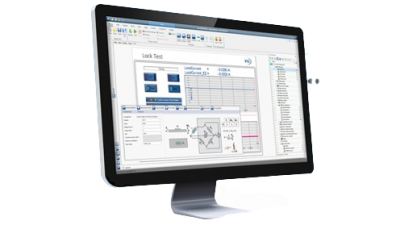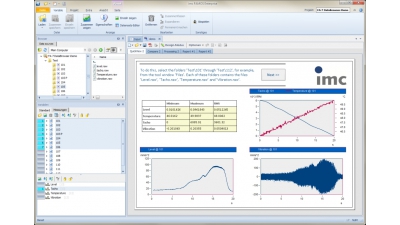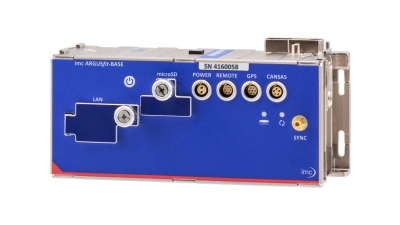
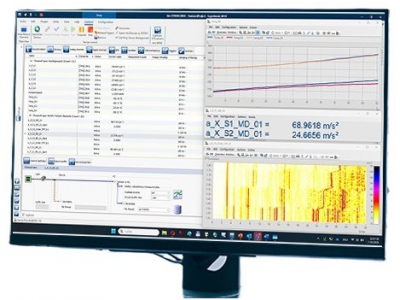
imc STUDIO 2025 extends the capabilities of the imc STUDIO platform with improved performance, hardware support, and collaborative tools. Designed for complex DAQ systems, mobile testing, and real-time automation, it integrates acquisition, control, and post-processing into a unified workflow.
What’s New in imc STUDIO 2025?
WFT Assistant and Remote Driver Control
imc STUDIO 2025 introduces a visual assistant for configuring wheel dimensions and balancing 6-component Wheel Force Transducers (WFTs). It also supports remote driver balancing during high-speed tests, improving safety and minimizing track downtime.

Expanded CAN Bus Assistant
New capabilities in the CAN assistant include multi-selection, advanced filtering, and support for sensor and ECU status bit channels. These enhancements allow better signal management and decoding across vehicle and industrial applications.

Support for New ARGUSfit Modules
This version adds native support for the ARGUSfit DI-16 and T-10 modules. The DI-16 enables high-speed digital input acquisition and remote switching, while the T-10 supports thermocouple inputs with fiber-optic isolation for improved noise immunity.

Multi-PC Test Monitoring and IP-Based Access
The updated imc STUDIO Monitor enables real-time observation, configuration edits, and data access from multiple PCs. Remote access via IP address supports secure collaboration across complex or distributed network environments.

Multi-Core Inline FAMOS Processing
Real-time data analysis tasks can now run across multiple CPU cores, increasing performance in high-throughput testing applications using Inline FAMOS.

Additional Improvements
-
Display of unscaled input ranges for electrical validation
-
Digitally signed application files aligned with IT security policies
-
More than 100 usability enhancements including reduced prompts, faster metadata input, and better dialog clarity